AI Image Editor for Product Photos and Ad Creatives

Edit images with Nano Banana, GPT Image 2, and SeeDream. Remove objects, replace backgrounds, change colors, or combine references in one workflow.

Popular AI editing tasks

AI image editing for backgrounds, objects, and product creatives

Upload one image, describe the edit, and remove backgrounds, clean up distractions, make product ads, or create premium product scenes with AI.

Background remover

Remove backgrounds while keeping the product intact

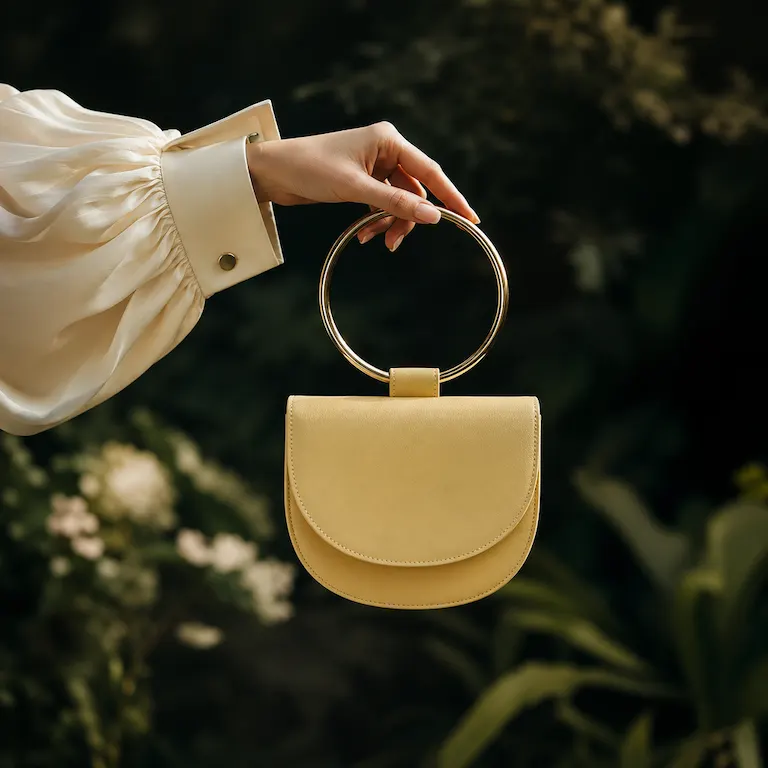
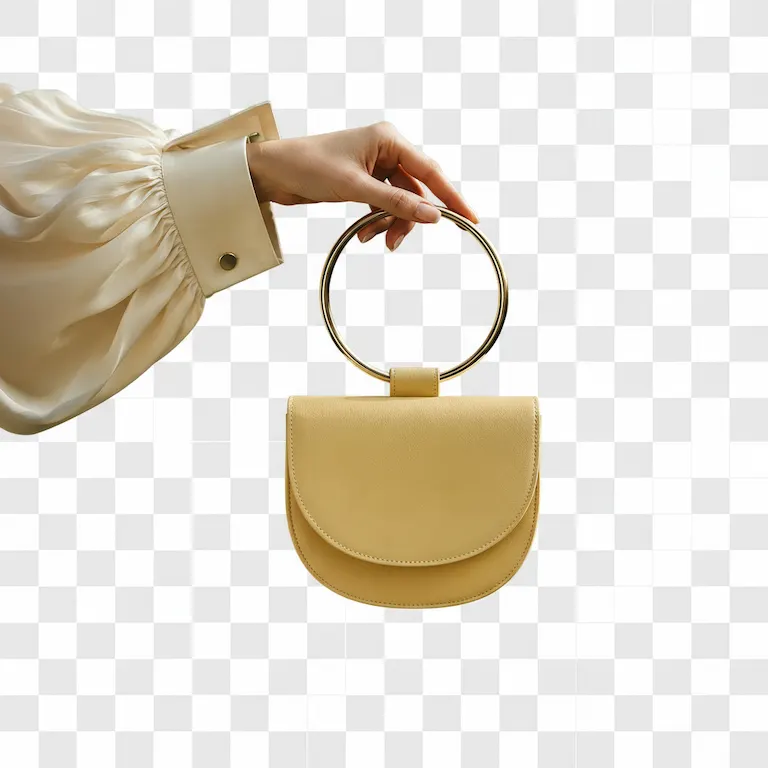
Upload a lifestyle product photo, remove the busy background, and keep the foreground subject, edges, texture, lighting, and details unchanged.

Best for

Product cutouts, ecommerce photos, marketplace listings, ads

Example prompt

"Remove only the background and keep the hand, sleeve, handbag, and gold handle unchanged."

Keeps

Foreground subject, edges, material texture, and lighting

  • Transparent backgrounds
  • Clean product cutouts
  • Crisp edge detail
Remove Background
Original image for Remove backgrounds while keeping the product intact
AI edited result for Remove backgrounds while keeping the product intact
AI Edit
Object remover

Remove tourists and distractions from photos

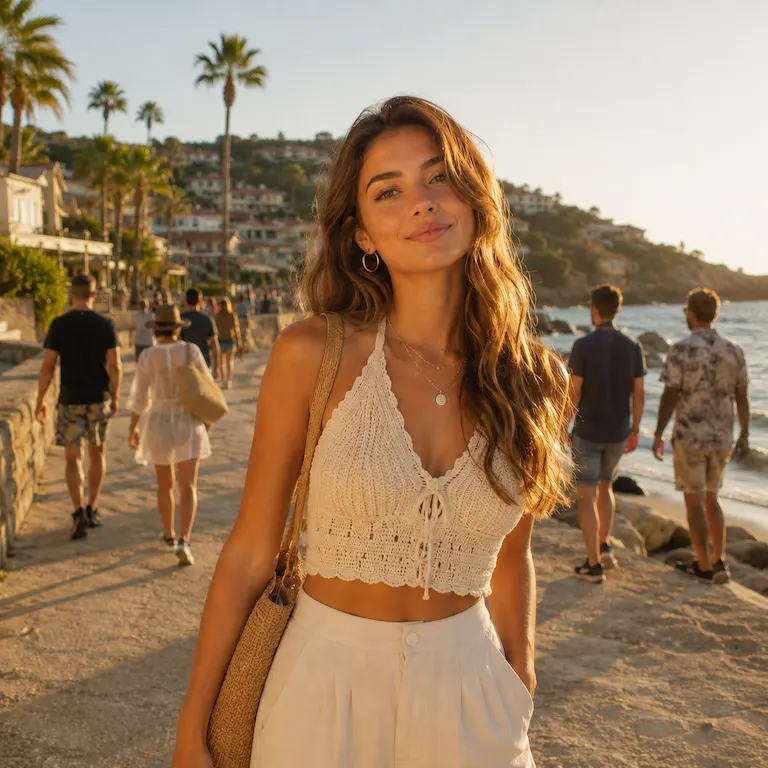
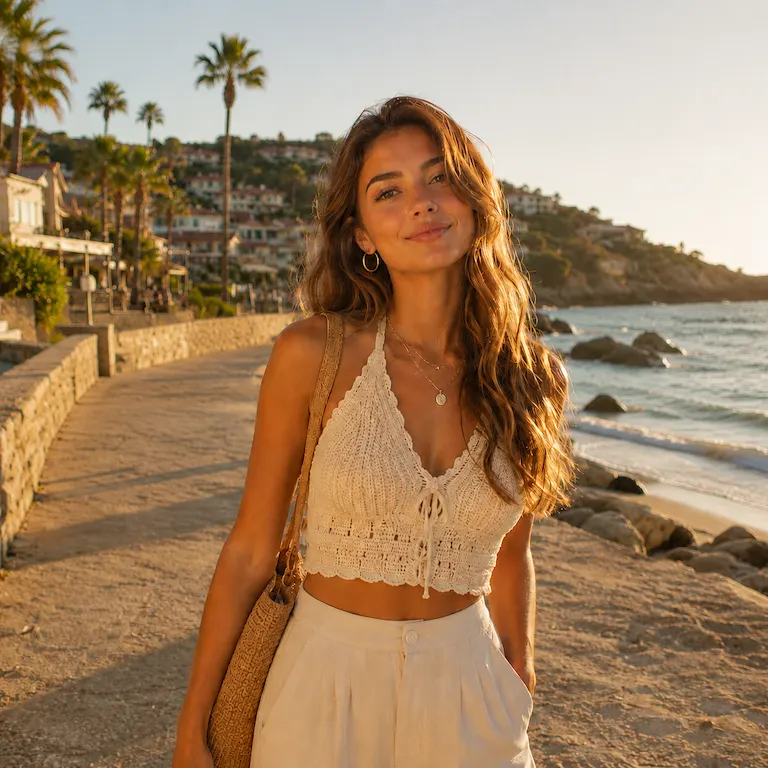
Keep the main subject exactly the same while removing background people, photobombers, or distractions and reconstructing the scene naturally.

Best for

Travel photos, lifestyle shoots, creator content, clean social posts

Example prompt

"Preserve the main woman and the entire image exactly; only remove background tourists."

Keeps

Main subject, face, pose, lighting, and scene perspective

  • People removal
  • Clean travel photos
  • Seamless background fill
Remove Objects
Original image for Remove tourists and distractions from photos
AI edited result for Remove tourists and distractions from photos
AI Edit
Product ad creative

Turn product photos into ad creatives

Upload a plain product photo and add commercial lighting, splash, atmosphere, and scene details that make it feel ready for a campaign.

Best for

DTC brands, social ads, product launches, campaign visuals

Example prompt

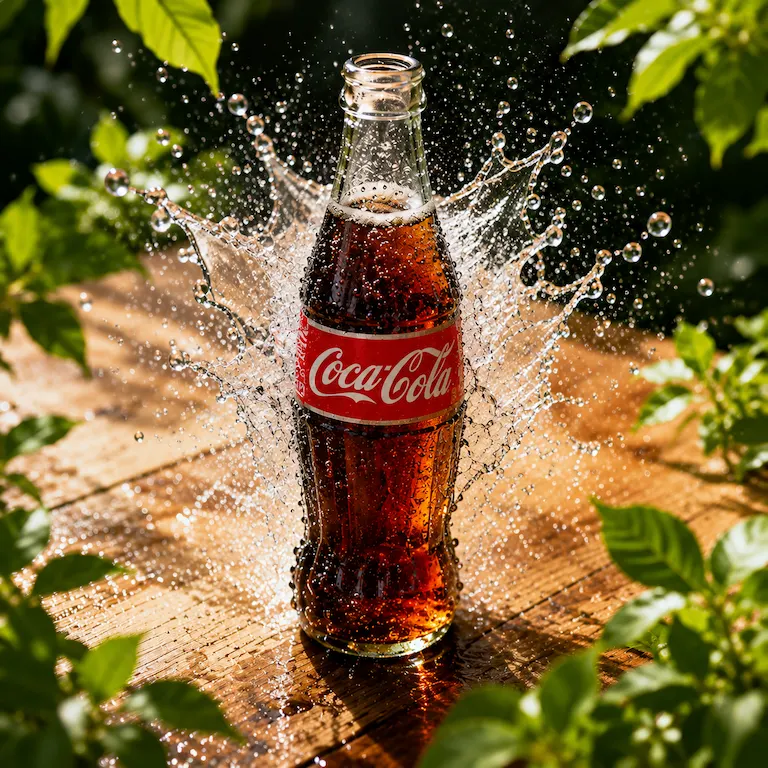
"Transform this product photo into a premium beverage ad with water splash, green foliage, and golden light."

Keeps

Product shape, label, scale, camera angle, and identity

  • Ad creative generation
  • Commercial product lighting
  • Campaign-ready visuals
Make Product Ad
Original image for Turn product photos into ad creatives
AI edited result for Turn product photos into ad creatives
AI Edit
Product scene generator

Create premium scenes around product references

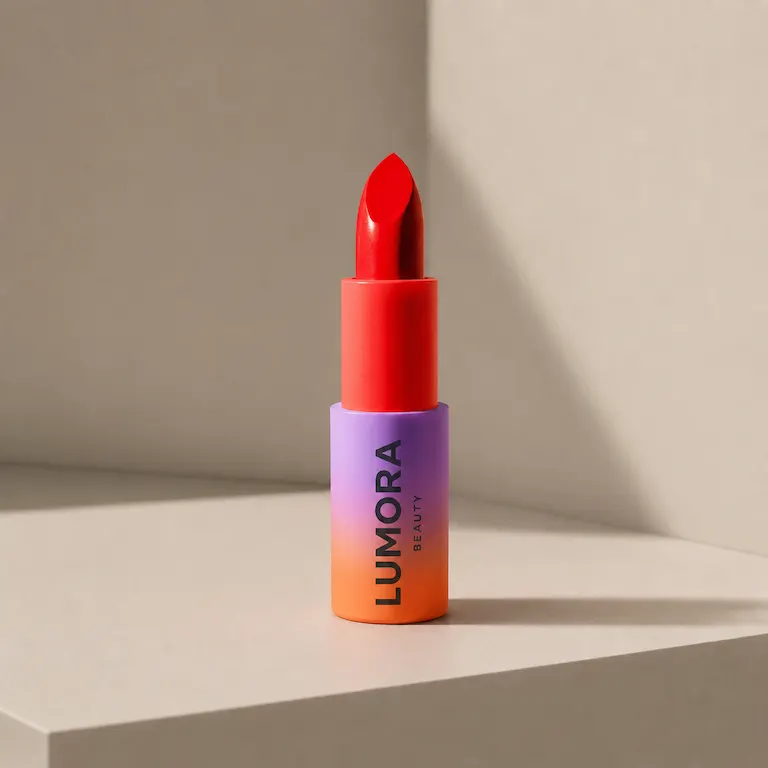
Start with a simple product reference and build a polished brand scene with surfaces, props, reflections, lighting, and campaign composition.

Best for

Beauty brands, product campaigns, landing pages, social creatives

Example prompt

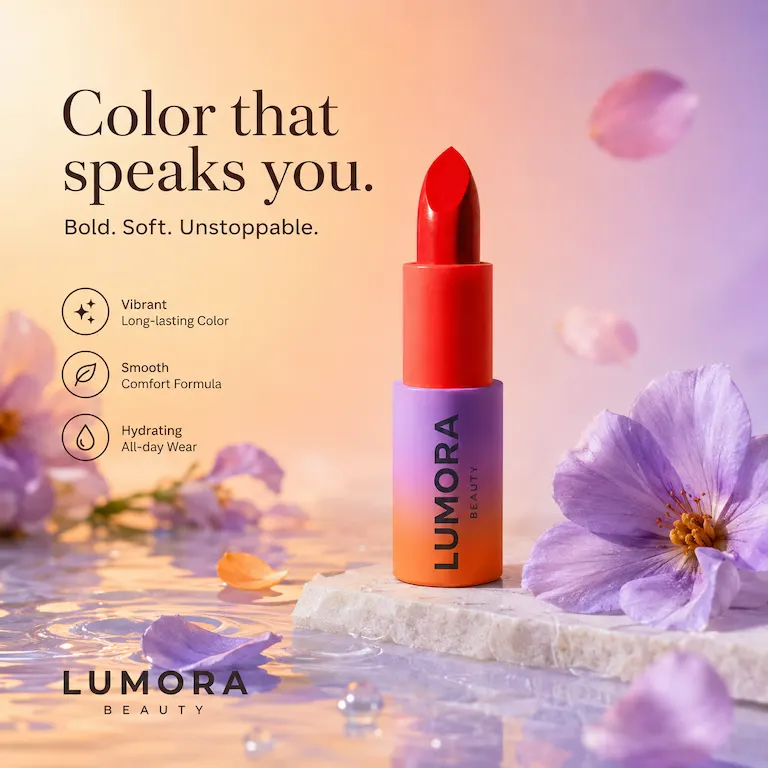
"Create a premium beauty product scene with marble, flowers, water reflections, and soft campaign lighting."

Keeps

Product design, packaging colors, branding, and proportions

  • Product scene generation
  • Brand campaign visuals
  • Editorial product photography
Create Product Scene
Original image for Create premium scenes around product references
AI edited result for Create premium scenes around product references
AI Edit
Simple workflow

Upload one image. Tell AI what to change. Download the edit.

Start with a product photo or campaign reference, describe the exact edit, and create cleaner product images, ad creatives, or brand scenes in one workflow.

Step 1

Upload a photo

Start with a product photo, campaign reference, or simple brand asset.

One source image is enough for a focused edit.

Step 2

Describe the exact change

Tell AI what to change and what to keep.

Strong edits usually say both: change this, keep that.

Step 3

Review, refine, and download

Generate a cleaner product image, ad creative, or brand scene, then refine until it fits the job.

You can iterate before choosing the final commercial-ready result.

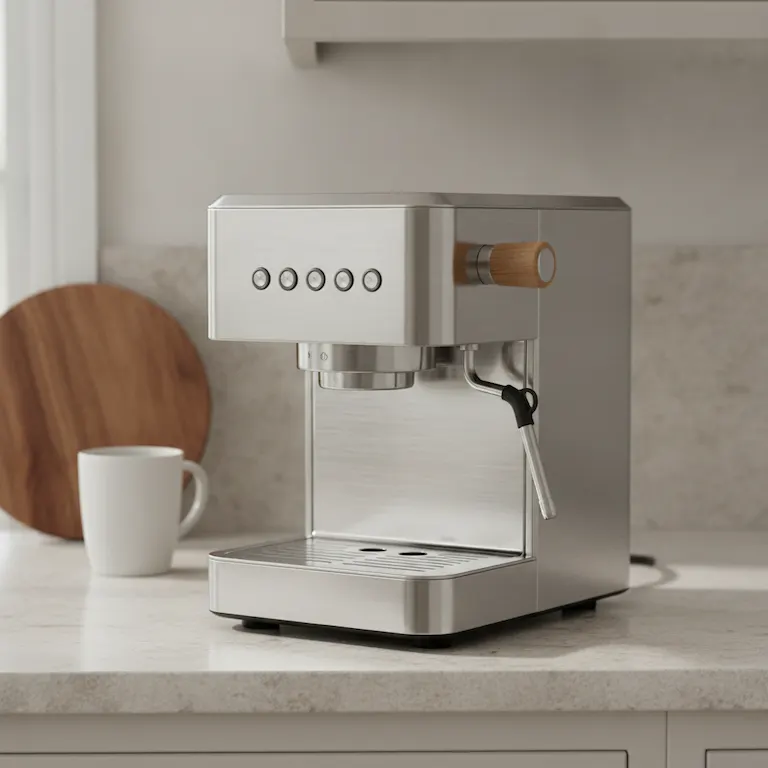
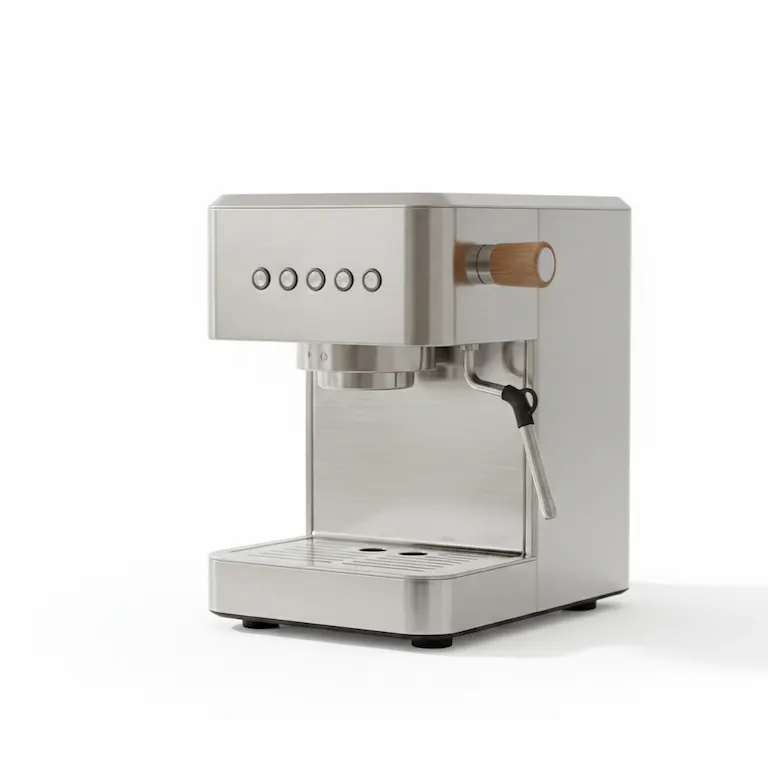
Product background edit with AI
Original product photo before AI image editing
Product photo with clean white studio background
AI Edit
Prompt

"Remove the kitchen background, place the product on a clean white studio background, and keep the shape, texture, and shadow natural."

Try this prompt
Creates clean product photos
Keeps product details and shadows
Product ad creative with AI
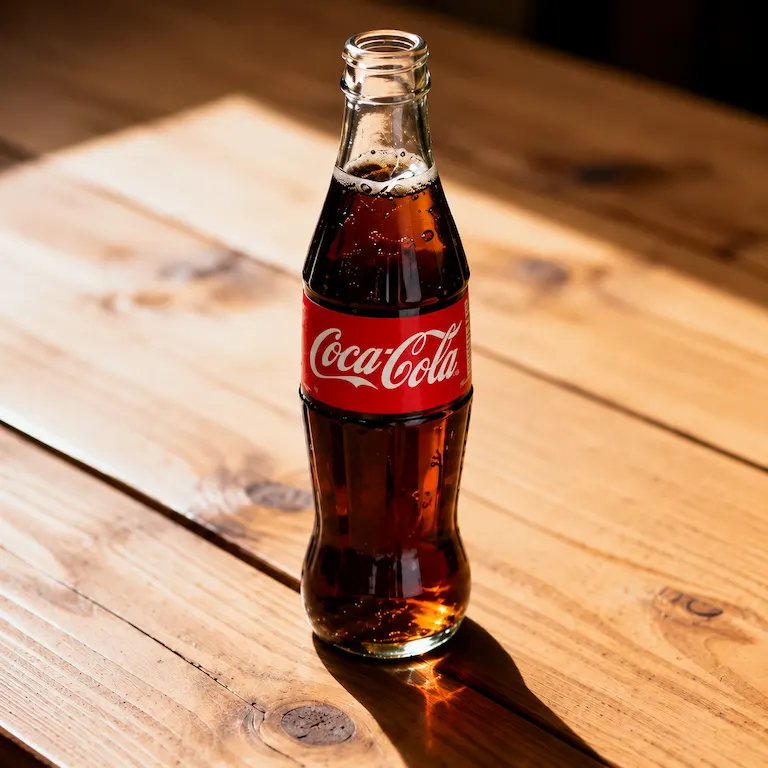
Original beverage product photo before AI ad creative edit
Beverage product ad creative with splash and foliage
AI Edit
Prompt

"Turn this product photo into a premium ad creative with realistic lighting, splash, foliage, and a polished commercial scene."

Try this prompt
Adds campaign atmosphere
Keeps the product recognizable
Why Nano2Image

AI image editing you can control, not random generations.

Start with your own image, say what should change, and keep the details that matter for product photos, room photos, portraits, and outfit edits.

Edit your own photos

Start with a product photo, room photo, portrait, or outfit image instead of a blank prompt.

Say what to change

Describe the background, object, clothing, or style change in plain language.

Keep the important parts

Ask Nano2Image to keep the product shape, room layout, face, pose, lighting, or other key details.

Refine without starting over

Try a clearer prompt, make another version, compare results, and download the one that works.

Three ways to create

Edit one image, combine multiple images, or start from text when you need a new visual.

Private by default

Your uploads stay out of a public gallery unless you choose to share them.

Examples and prompts

Find the right prompt for your next image edit

Browse common edits, copy a prompt idea, and use it as a starting point for your own photo.

Choose your plan

Simple, transparent pricing

Choose a monthly plan for steady image generation, commercial usage rights, and watermark-free downloads.

1 credit usually equals 1 image generation.
Subscription credits reset each billing month.

Starter

For light editing, tests, and occasional production work.

$9.90/month

Billed monthly at $9.90.

Credits
100/month
Effective rate
$0.10/credit

Cancel anytime before the next monthly renewal.

  • Text-to-image and image-to-image generation
  • Watermark-free downloads
  • Commercial usage rights
  • 30-day generation history
  • Basic email support
Most popular

Pro

For regular image editing and repeat creative workflows.

$19.90/month

Billed monthly at $19.90.

Credits
300/month
Effective rate
$0.07/credit

Cancel anytime before the next monthly renewal.

  • Text-to-image and image-to-image generation
  • Nano Banana Pro model access
  • Watermark-free downloads
  • Commercial usage rights
  • Advanced model access
  • 90-day generation history
  • Priority email support
Best value

Studio

For higher-volume commercial work and larger creative workflows.

$29.90/month

Billed monthly at $29.90.

Credits
600/month
Effective rate
$0.05/credit

Cancel anytime before the next monthly renewal.

  • Text-to-image and image-to-image generation
  • Nano Banana Pro model access
  • Watermark-free downloads
  • Commercial usage rights
  • High-volume image generation
  • 180-day generation history
  • Priority email support

All paid options include commercial usage rights, email support, and a clear refund policy.

No hidden feesCancel subscriptions anytimeSecure checkout

AI Image Editor FAQ

Answers for editing photos with text, changing backgrounds, removing objects, accounts, credits, and commercial use.
An AI image editor lets you change an existing image with text prompts. Instead of manually masking and adjusting every detail, you upload a photo, describe the edit, and generate a revised version.
Use the editor on this page, upload your image, write a clear instruction such as 'change the background to warm studio lighting' or 'remove the object on the left', then generate and refine.
An AI image generator creates visuals from a prompt. An AI image editor starts from an existing image and uses your prompt to transform, clean up, or restyle it.
Yes. Nano2Image can replace backgrounds, remove unwanted objects, edit product photos, and restyle uploaded images in the editor workspace.
Yes. Nano2Image uses accounts to manage credits, generation history, billing, and safety controls before you generate or edit images.
Paid plans support commercial use for websites, ads, social content, product visuals, and other business workflows, subject to Nano2Image terms and acceptable-use rules.
The editor supports common formats including 1:1, 3:4, 4:3, 16:9, and 9:16 for product, social, web, and campaign visuals.
Signed-in users get automatic generation history saved to their account. We retain data needed to run the service and account experience. See the Privacy Policy for details.

Open the editor workspace

Upload a photo, describe the edit, generate variations, and keep refining in Nano2Image.

Start editing on this page